
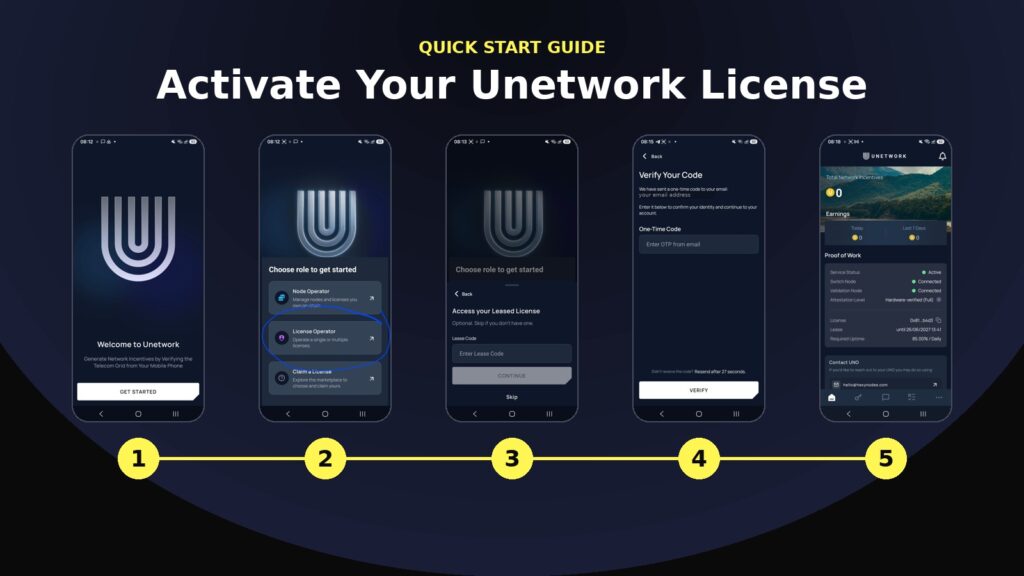
Activate your Unetwork license
Your license is ready. Follow these 9 steps and your phone will be earning in about 5 minutes. No crypto wallet and no technical skills needed.
Before you begin
- Your lease code from your HexyNodes email
- The Unetwork app (download below)
- About 5 minutes and a stable connection


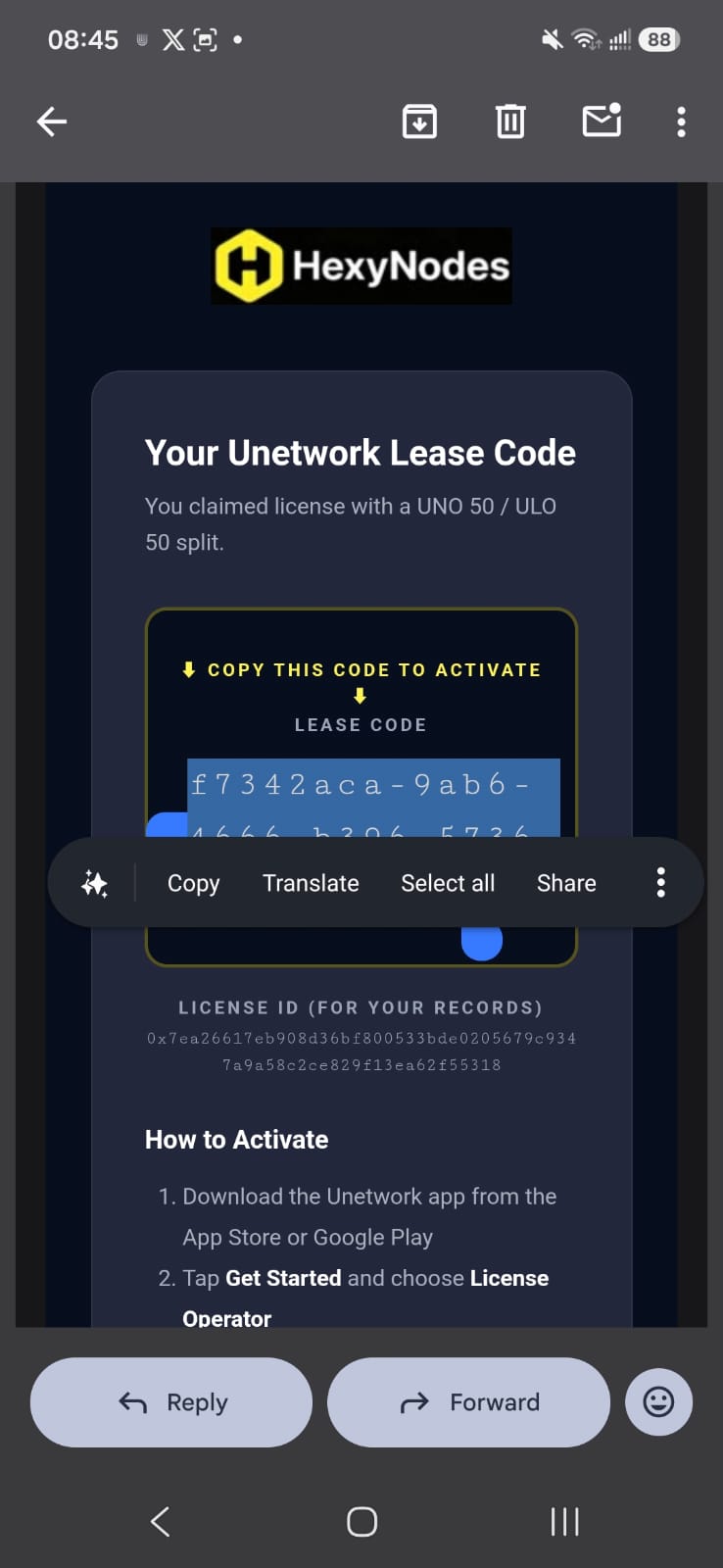
Copy your lease code from email
Open the email from HexyNodes and copy your lease code. You will paste it in a moment. No lease code yet? Claim one from the license directory.
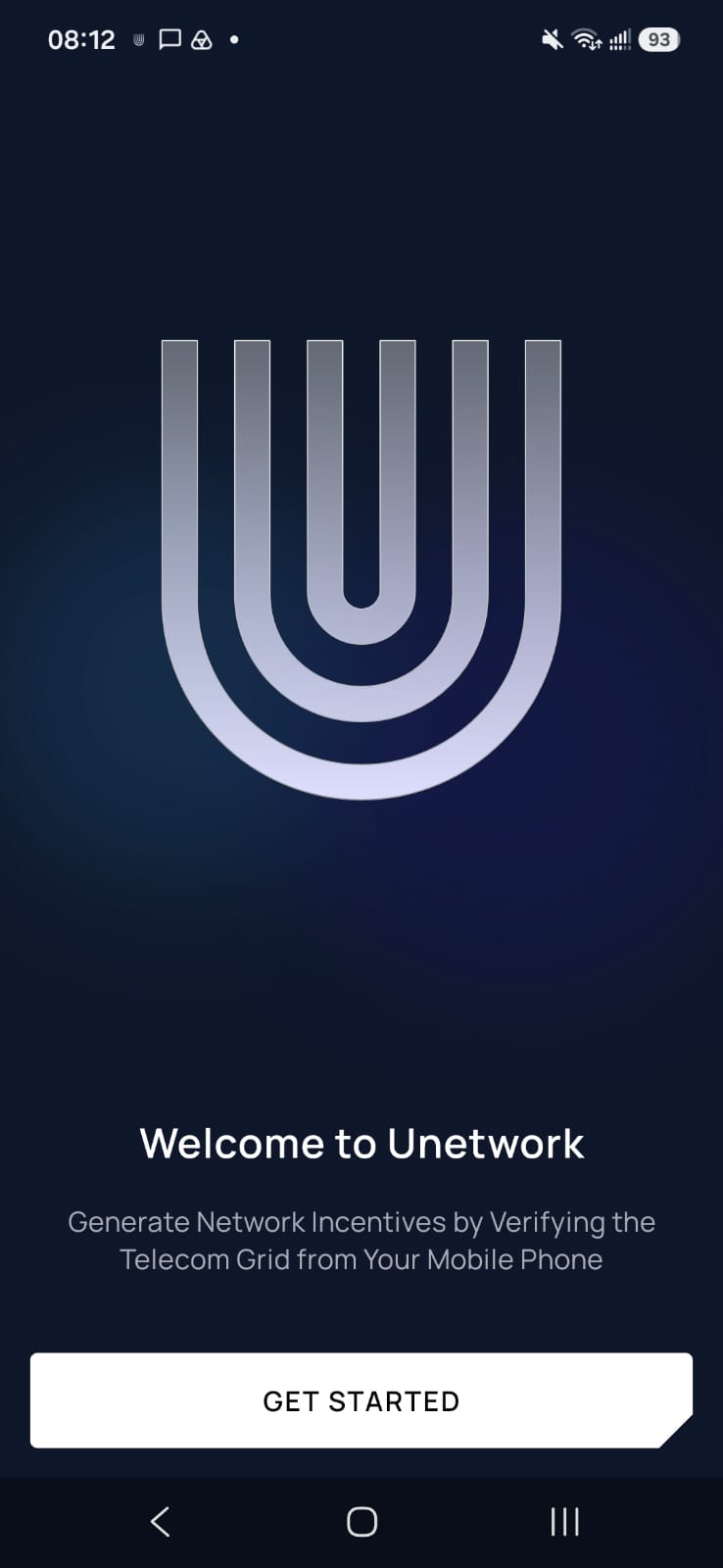
Tap Get Started
On the Unetwork welcome screen, tap Get Started.
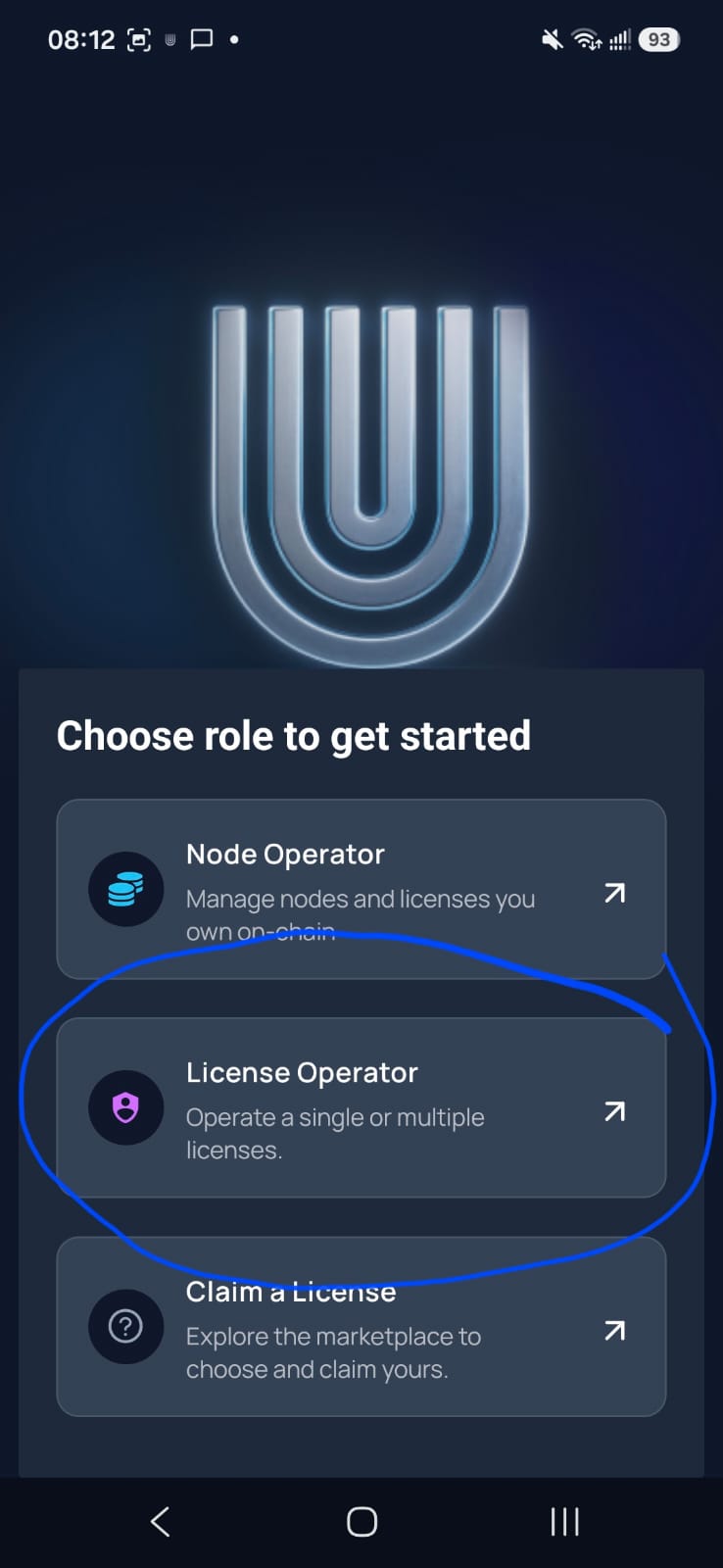
Choose License Operator
On Choose role to get started, tap License Operator.
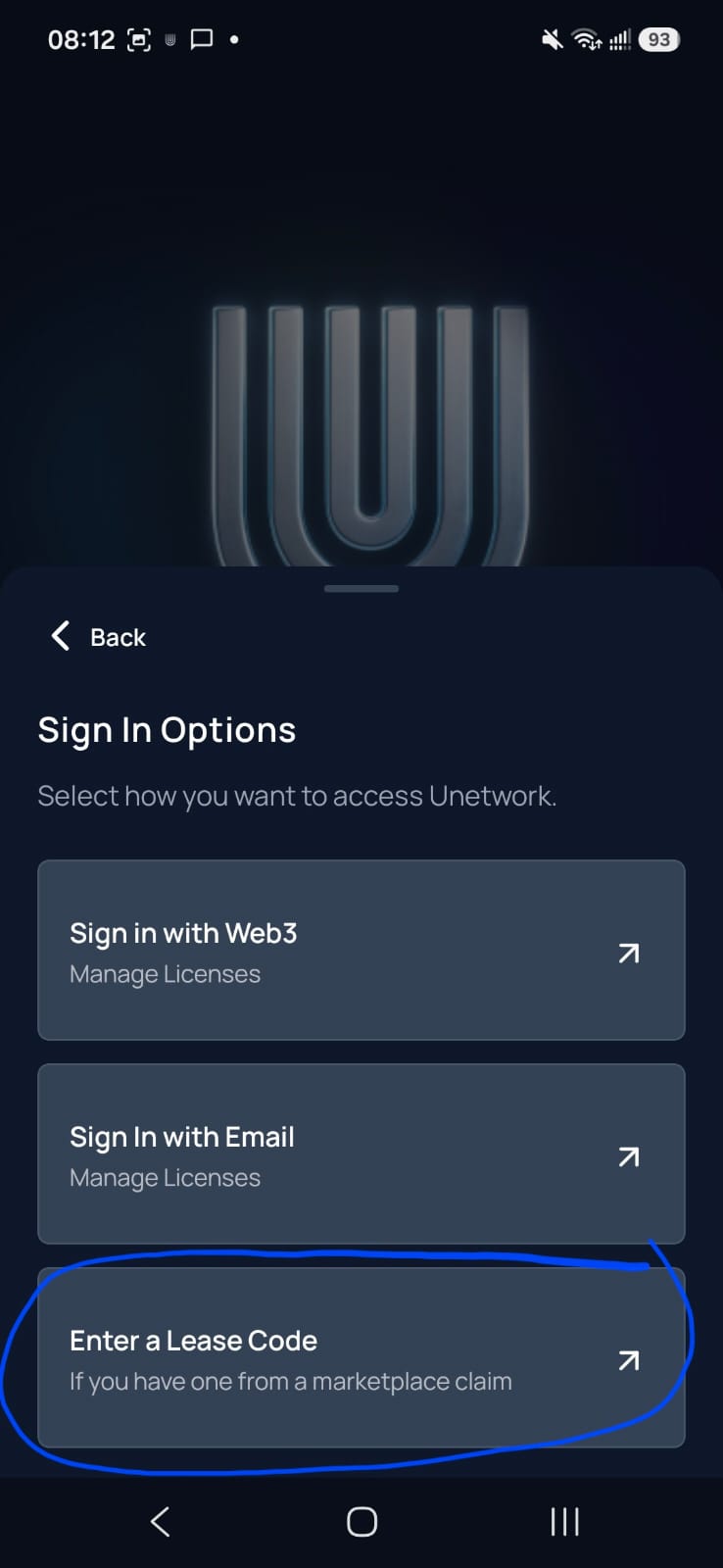
Choose Enter a Lease Code
On Sign In Options, tap Enter a Lease Code. No code yet? Get one from the license directory.
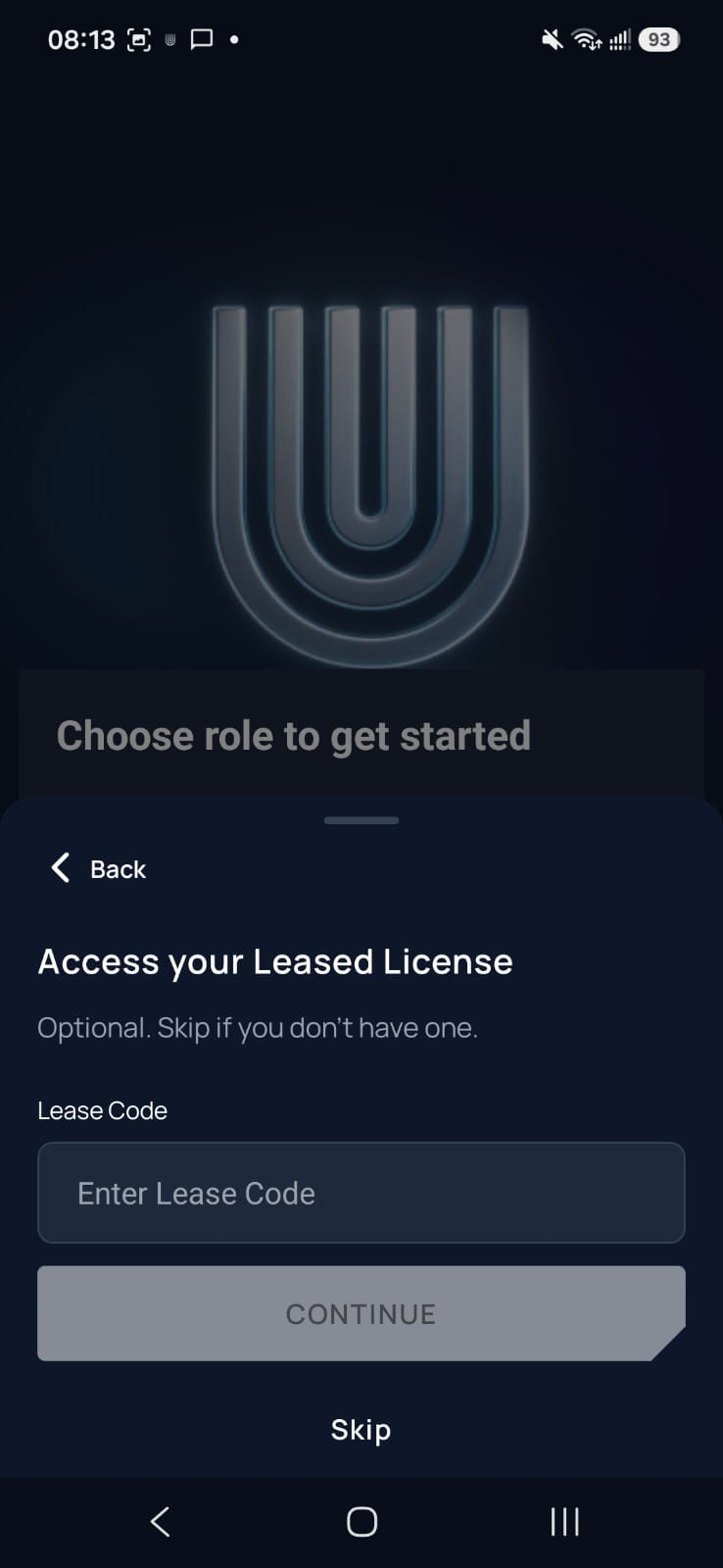
Enter your lease code
Paste your lease code into the field and tap Continue.
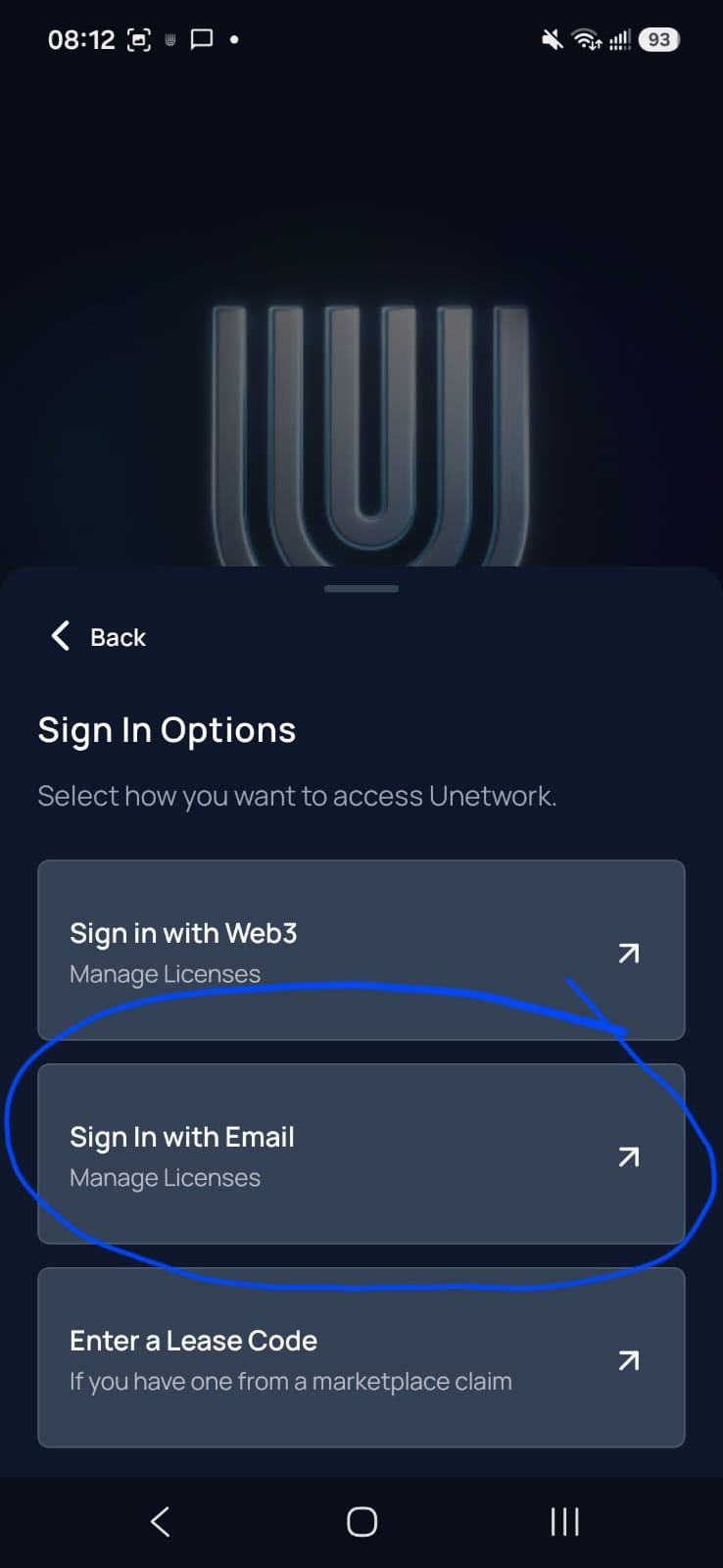
Sign in with email
Back on Sign In Options, tap Sign In with Email and enter your email.
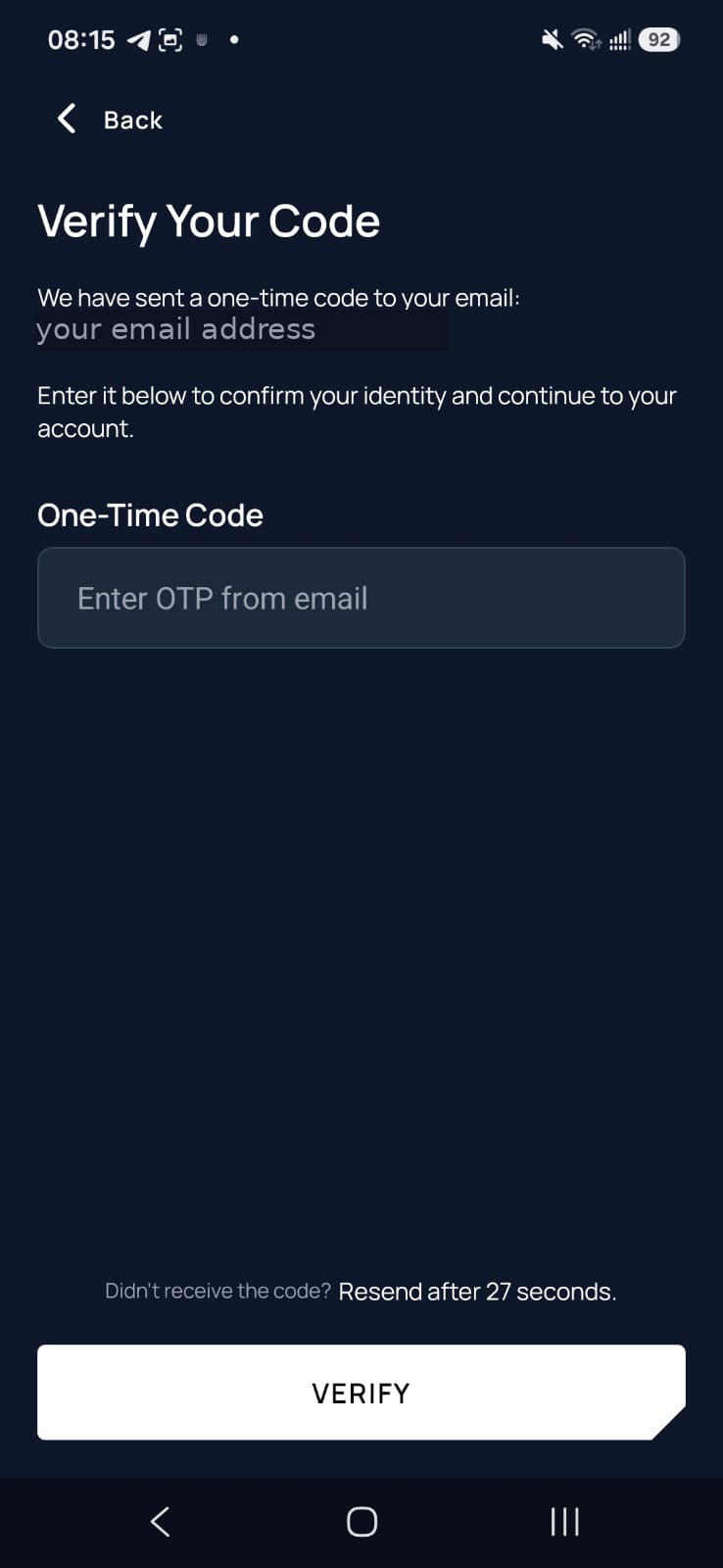
Enter the one-time code
We email you a short one-time code. Enter it and tap Verify.
Check for green lights
Make sure Service Status, Switch Node, and Validation Node are green. You are connected and earning.
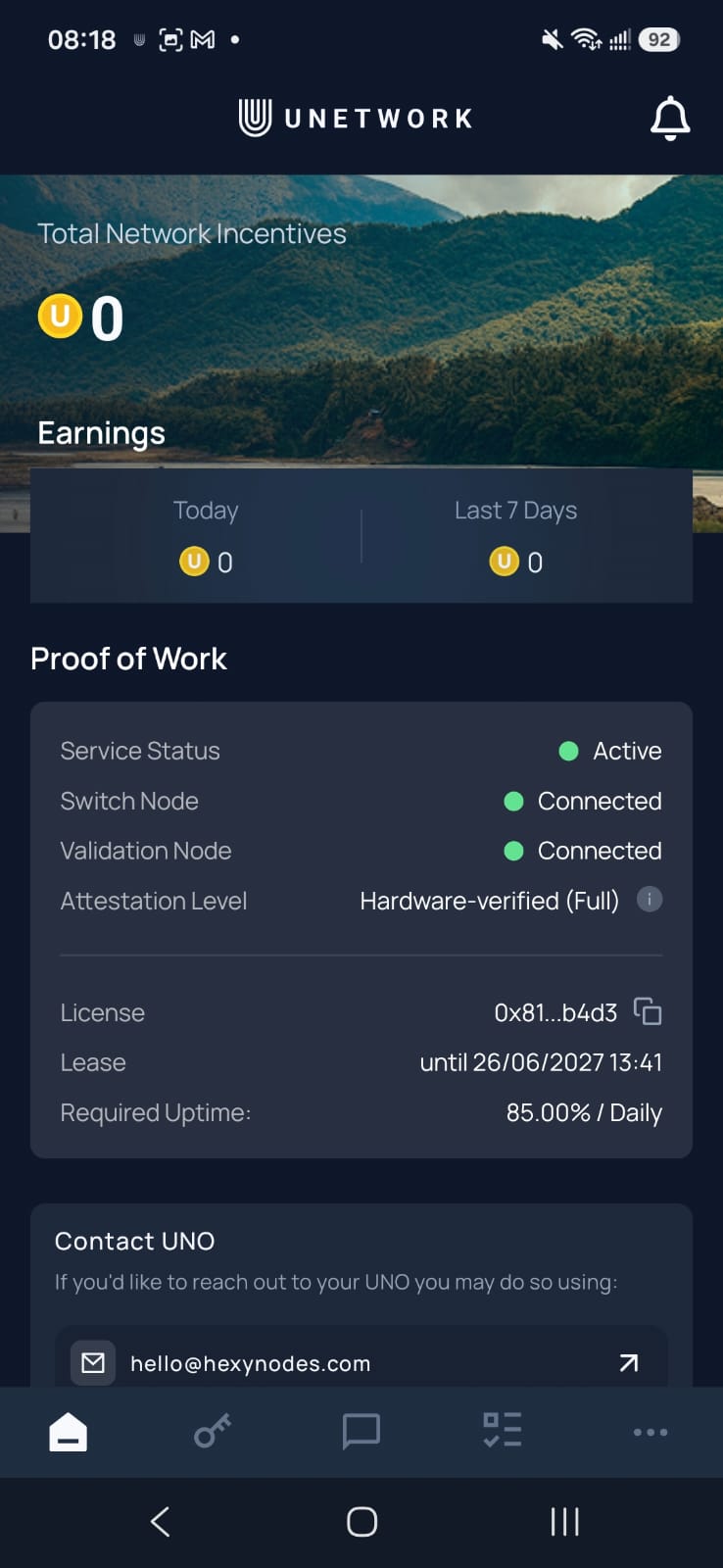
That is it. You are live.
Your phone now runs verification tasks in the background and earns automatically. Keep it online and charged for the best results.
Stuck on a step? Email hello@hexynodes.com and we will help you finish.